Additional Data
To receive extra data in transaction details (such as the acquirer response), you must enable specific fields in your Adyen Customer Area. While some basic fields are enabled by default, the following are essential for reconciliation and support:
- Acquirer
- Acquirer reference: The NSU (Número Sequencial Único) of the transaction.
- PSP reference: The TID (Transaction ID), Adyen's unique reference for the transaction.
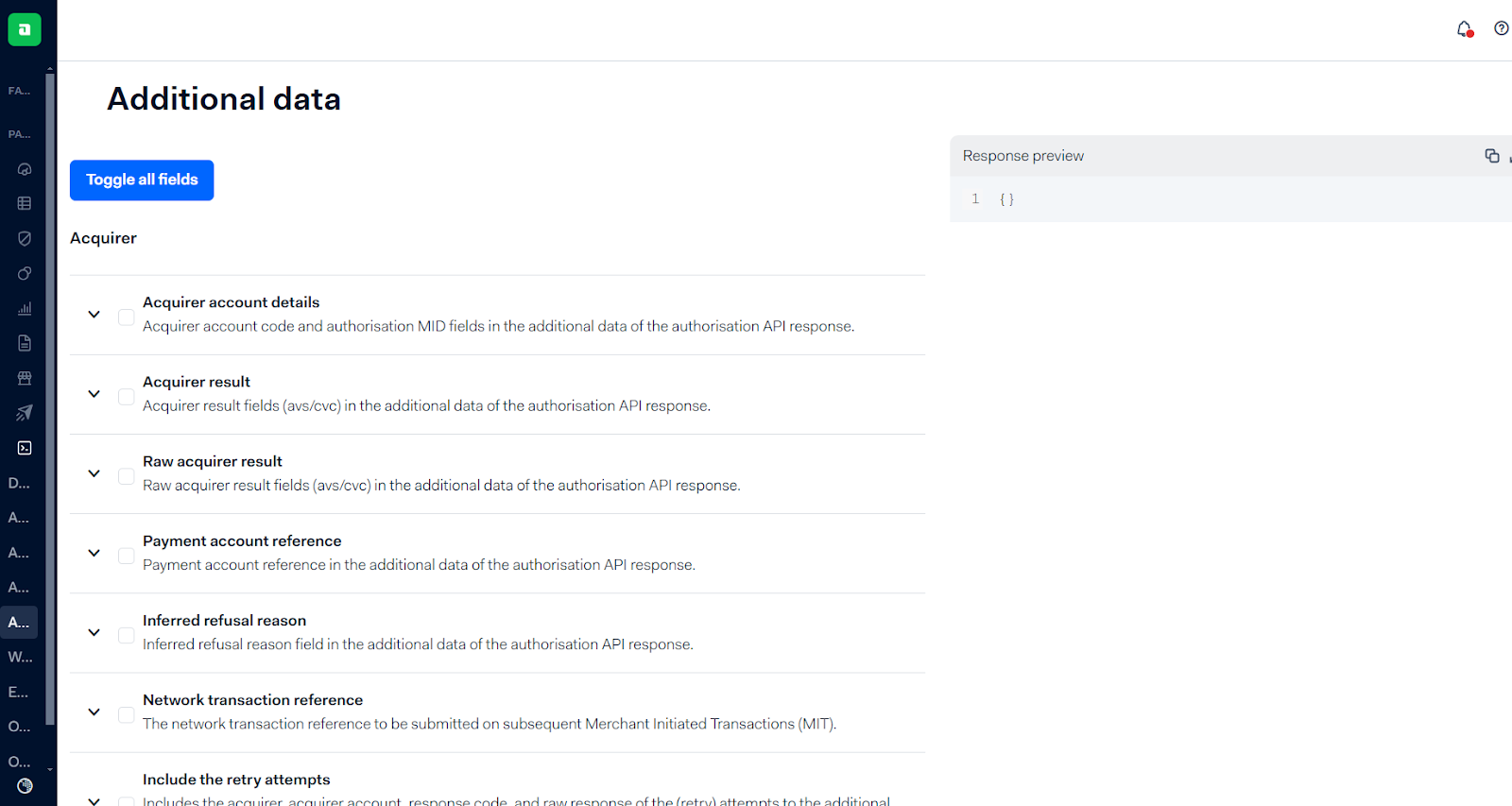
To activate these fields:
- In your Adyen Customer Area, go to Developers > Additional Data.
- In the Transaction section, check the essential fields listed above, plus any others you require.
- Click Save Configuration.
Important: It is required to configure both Test and Production environments for this data to be sent.
Was this page helpful?