
Boletos (Bank Slips)
CashBoleto is the cash-based payment method used throughout Brazil
Set up the payment condition
- In VTEX Admin, go to Store Settings > Payment > Settings, or type Settings in the top search bar.
- In the Payment Conditions tab, click the
 button.
 - Select Boleto Bancário in the Boleto section.
- Enable the condition in the Status field.
- In the Process with provider field, choose the provider you previously configured.
- Optionally, configure special payment conditions as needed.
- Click Save.
Configure Boleto expiration days
- In VTEX Admin, navigate to Store Settings > Payments > Providers, or enter Providers in the top search bar.
- On the Providers screen, select the Adyen provider.
- In the details section, click Edit.
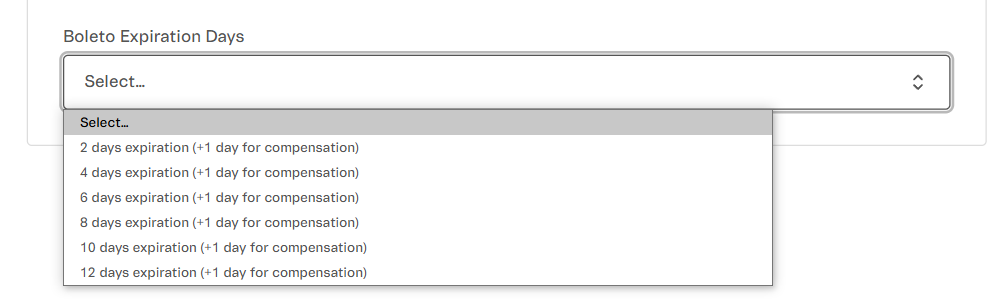
- In the Boleto Expiration Days field, set the desired expiration period for the boleto. Note that there is an additional processing day required for the payment to be sent to Adyen.
Business Rules
Payment Flow
- The customer selects Bank Slip at checkout.
- The connector generates a PDF file with the bank slip.
- The customer makes the payment via bank, lottery house, or banking app.
- The clearing occurs within 1 to 3 business days.
- Adyen confirms the payment and sends a webhook to the connector.
- The connector approves the payment and updates VTEX.
Specific Rules
- Refund: Not allowed. If necessary, the merchant must manually refund via bank transfer.
- Validity: Defined at the time of generation, ranging from 1 to 30 days, depending on the connector configuration and bank rules.
Was this page helpful?